T-minus 3... 2... 1...

Launch Your Crew'sProductivityEfficiencyAccountabilityMomentumFocusConsistencyClarityReadiness

RocketShift helps small business operators launch with the right crew, schedule, time clock, and task flow already in place.

Storyboard-style RocketShift launch illustration connecting crew, schedule, time clock, and tasks

Why RocketShift

Team operations get messy when every workflow lives somewhere different.

RocketShift is being shaped around operators who need one calm place for the work that keeps a business moving: crew, schedule, time, tasks, exceptions, and manager follow-up.

1

Schedules, clock punches, task follow-up, time off, and manager notes drift into separate places.

2

Generic workforce tools can schedule people, but they do not understand shift coverage, daily routines, or owner visibility.

3

Managers need accountability without hovering, and owners need a clear pulse without being physically present every hour.

LaunchPad

Guided setup from first interest to usable workspace.

RocketShift starts by helping owners shape the pieces that make the app useful on day one: crew, schedules, task flow, time tracking, and manager tools.

1

Reach out

Tell RocketShift how your business operates, how many locations you run, and whether you are starting fresh or moving from another tool.

2

Enter LaunchPad

Create the owner account and land in a guided setup workspace with the right first decisions in front of you.

3

Choose your path

Start from scratch with manual entry, or bring over useful crew, schedule, and task data when you already have it.

4

Review the workspace

Confirm crew, hours, schedules, tasks, and time clock rules before the team starts using the app.

Task Jet Packs

Starter tasks without the blank-page problem.

New subscribers can review starter packs, pull useful routines into their own list, customize them for their business, and create their first task from scratch.

Opening checklistCleaning passCash drawer checkEnd-of-day close

Crew Manifest

Schedule

Time Clock

Timesheets

Time Off

Manager Tools

Compare

Built for a narrower operating job than generic workforce apps.

Tools like When I Work, Connecteam, Homebase, and Deputy are useful general platforms. RocketShift's edge is focus: fewer generic layers, more launch guidance, and more operating flow for teams that need schedules, time, tasks, and manager review to work together.

FeatureRocketShiftWhen I WorkConnecteamHomebaseDeputy
Scheduling
Time clock
Task accountabilityLimitedBasicLimitedLimited
Time off workflow
Industry starter tasks××××
LaunchPad setup review××××
Manager help tickets×Add-on××
Built from real operations××××
Per-user feesNone plannedYesOftenTieredYes
Best fitSmall business teamsGeneral schedulingGeneral workforceHourly teamsShift teams

Comparison is directional and based on public positioning, typical plans, and RocketShift's current product direction. Pricing and feature packaging for other vendors can change.

Features

RocketShift Core puts the daily operating pieces in one flow.

These are the parts early subscribers can use and inspect now: the crew, the schedule, the clock, the work, and the manager follow-up that keeps shifts moving.

Crew Manifest

Keep employees, roles, locations, contact info, and manager visibility organized in one operating roster.

Scheduling

Build the weekly plan, publish shifts, review coverage, and give employees a clean My Schedule view.

Time Clock

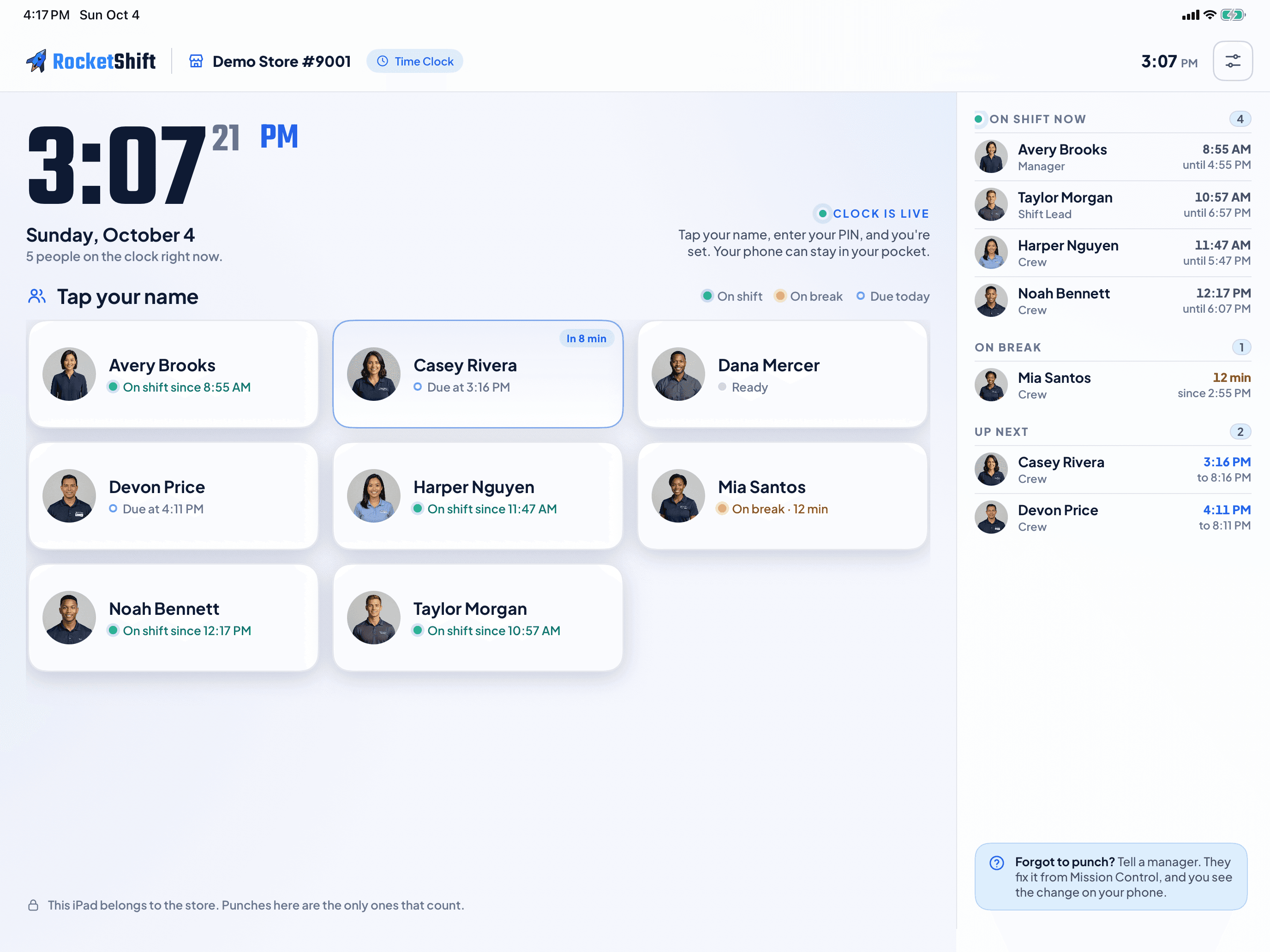
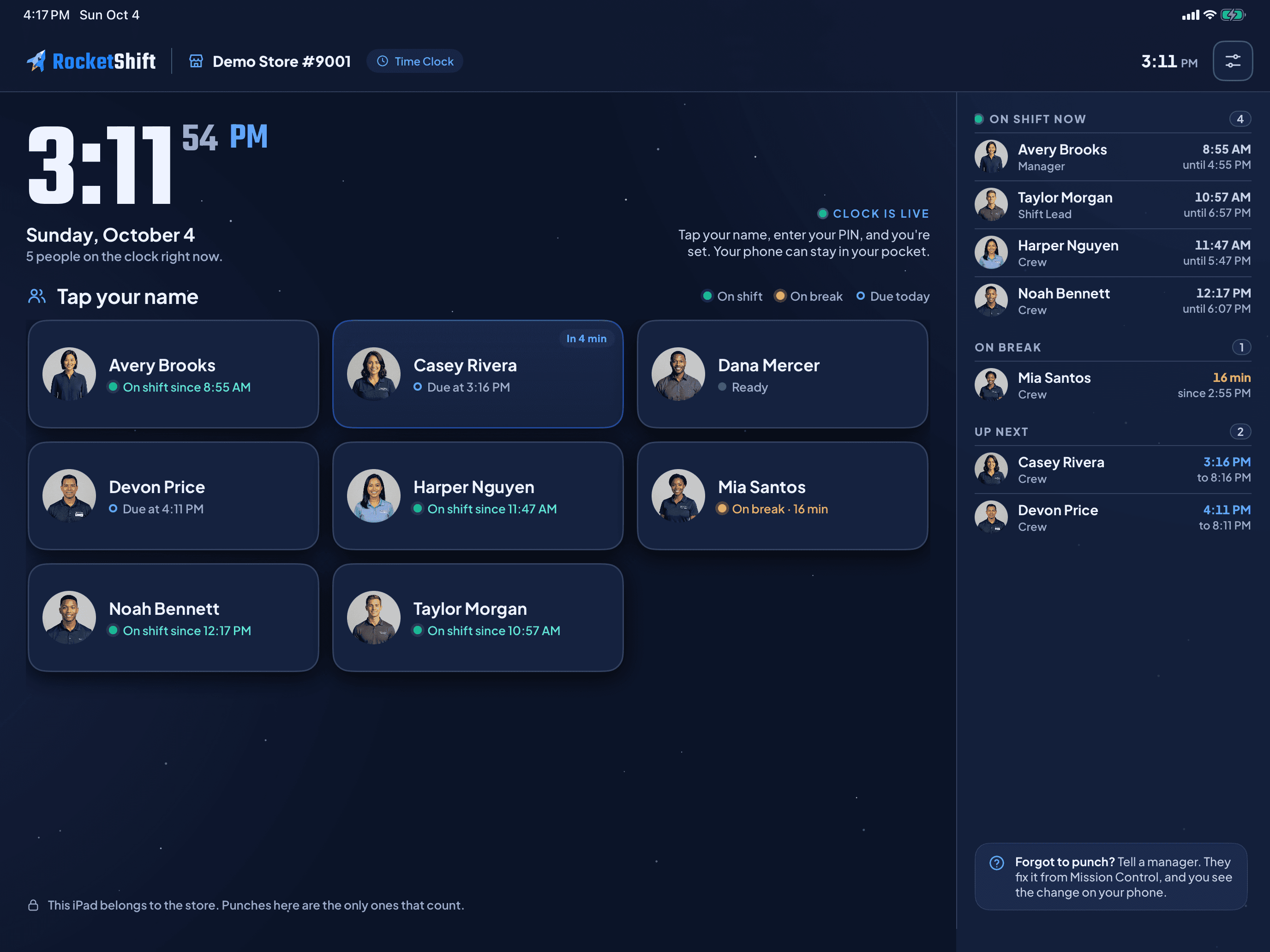
Give the team a quick clock in/out flow while managers review punches, corrections, and location signals.

Timesheets

Turn clock activity into reviewable weekly records for manager approval and payroll prep.

Time Off

Handle requests, approvals, available balances, blackout windows, and schedule impact from one place.

Task Management

Assign daily routines, track completion, balance task load, and keep follow-up visible without hovering.

LaunchPad Setup

Start from guided setup instead of an empty dashboard, then review imported or entered data before launch.

Manager Tools

Surface exceptions, help tickets, announcements, and accountability signals for the people running the shift.

The demo lets you inspect these pieces from owner, manager, shift lead, and employee views without creating an account.

Launch demo

iPhone companion app

Your team's day, right in their pocket.

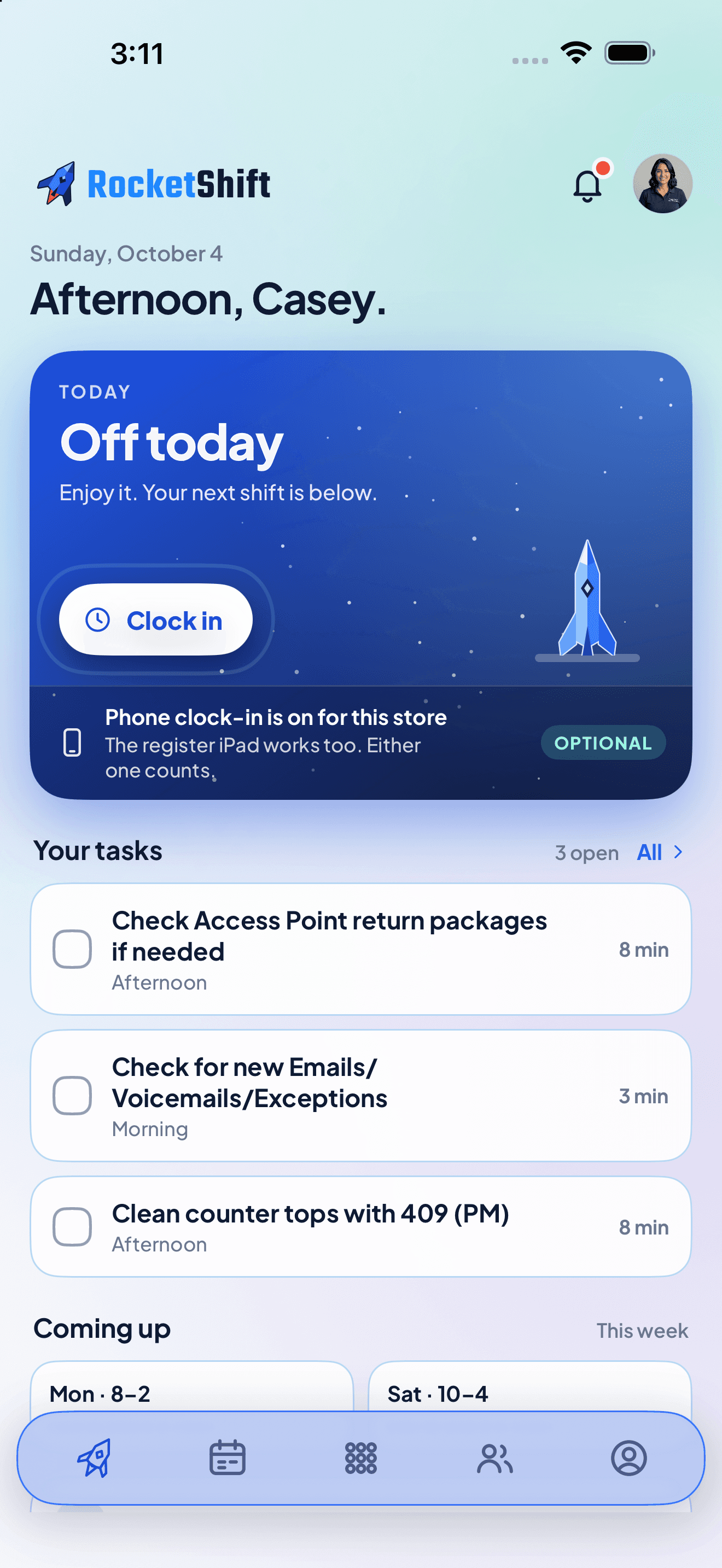
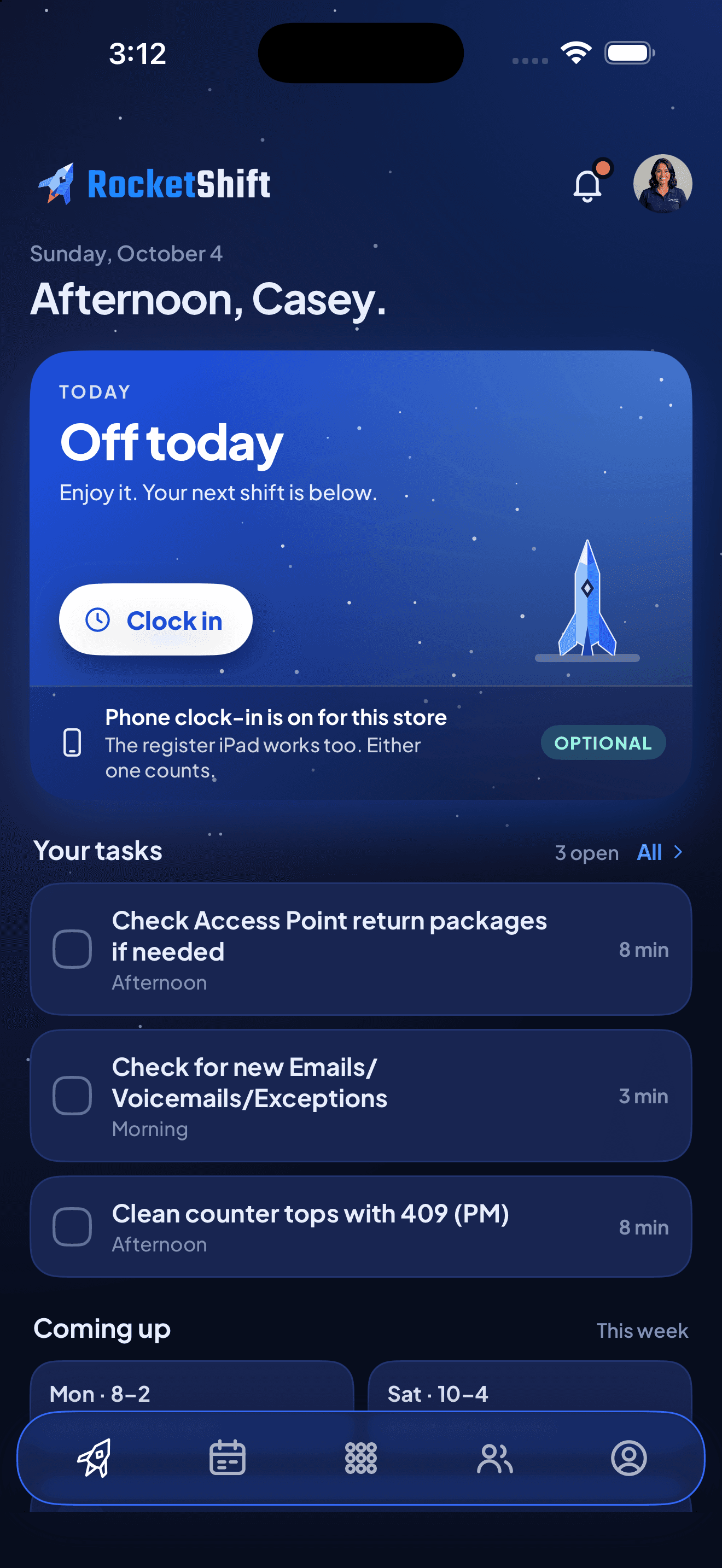
RocketShift's web app handles setup, ownership, and manager control. The iPhone app keeps employees close to the work they need during a real shift: today's schedule, assigned tasks, clock actions, time off, announcements, and account tools.

My Day view for shifts, tasks, time off, and announcements

Clock In/Out built for quick employee flow

Schedule, task, and account tools without desktop friction

App Store listing planned after pilot approval. The mobile app is a companion to the RocketShift workspace, not a separate signup portal.

RocketShift iPhone app showing the home screen with current store, task progress, today's crew, and bottom navigation.
Home

App preview

Home

Foundation Plan

Start lean, prove the fit, and keep the team moving.

RocketShift is opening with a limited-time Foundation Plan for early operators who want clear crew, schedule, time, and task flow without a sales-call gate.

This first price is meant for businesses willing to come aboard early while the platform keeps growing. Core is expected to move to $25 per location / month later, so early subscribers get real value while helping shape the journey.

RocketShift Core

$9.99

per location / month

  • Limited-time Foundation Plan
  • Early $9.99 rate locked for 5 years
  • Expected future Core price: $25 per location / month
  • Guided 30-day trial planned when onboarding opens
  • No planned per-user add-on math
Ask about the Foundation Plan

What the Foundation Plan includes

  • Crew Manifest for employee profiles, roles, and store assignment
  • Scheduling tools for building and managing the weekly crew plan
  • Employee My Schedule and My Day views
  • Time Clock for clock in/out flow and punch review
  • Timesheets for manager review and payroll prep
  • Time Off requests, approvals, and balances
  • Task Management for daily routines, follow-up, and accountability
  • Manager Tools for exceptions, help tickets, and operational review
  • LaunchPad guided setup for a cleaner first workspace

More modules are in development

RocketShift is just getting started. These are planned growth areas as the platform matures:

Inventory ManagementBusiness AnalyticsFinancial PulseHR & PersonnelCultureCommunications
Jason Armstrong, founder of RocketShift

Our Story

Built from the counter, the stockroom, the schedule, and the books.

RocketShift was started by Jason Armstrong, a small business owner who has spent 22 years running two The UPS Store locations in Southeast Texas.

The product comes from real operating work: serving customers at the front counter, taking inventory, cleaning restrooms, taking out the trash, reconciling QuickBooks, hiring and training teams, building schedules, and trying to keep the business moving without hovering over every shift.

RocketShift is also part of a newer story: what becomes possible when an experienced operator can work with AI to turn years of practical knowledge into software. The goal is not software that replaces people. The goal is software that helps small teams work with more clarity, accountability, and momentum.

22 years

Small business ownership

2 locations

Real-world proving ground

20+ people

Daily operating reality

The UPS Store is referenced only as factual background for Jason's operating experience. RocketShift is independently built and is not endorsed by or affiliated with The UPS Store, Inc.

Contact RocketShift

Want more information?

Tell us about your business, your crew, and what you are trying to improve. We will follow up with details about RocketShift Core, Foundation Plan timing, and the guided trial process as onboarding opens.